Defining the Goal
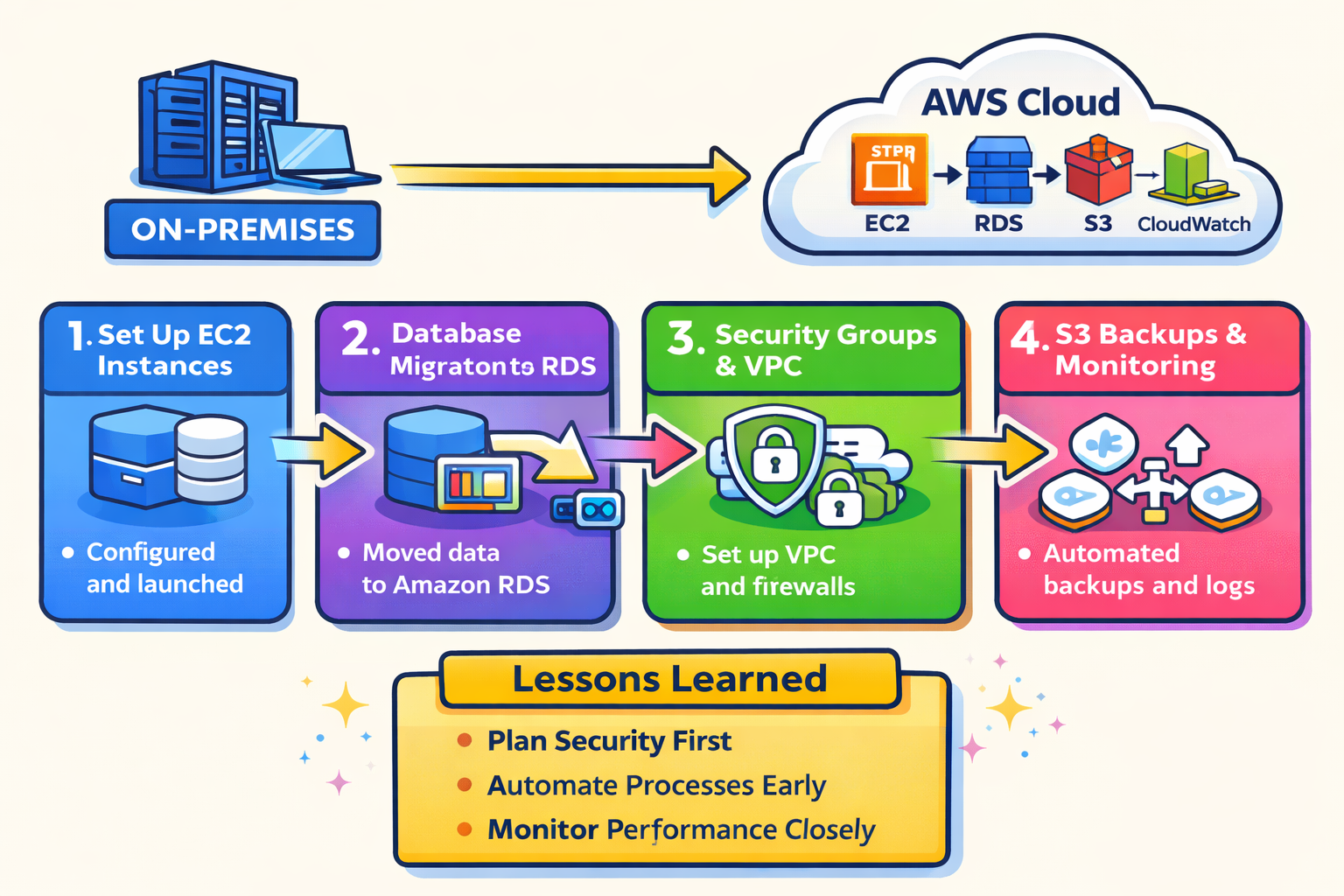
The initial goal was to understand how AWS could replace or supplement an on‑prem server environment. This meant learning how to:
- Launch compute resources
- Secure access properly
- Design basic networking
- Keep costs under control
I approached AWS from a practical mindset:
build first, then troubleshoot what breaks.
Launching My First EC2 Instances
I started by launching EC2 instances using both Linux and Windows Server 2022 AMIs.
What I did:
- Selected instance types based on CPU and performance needs
- Compared AWS instance specs to on‑prem hardware
- Learned how Windows licensing impacts EC2 pricing
- Created AMIs for backup and reuse
Issues I encountered:
- CPU utilization spiking to 100% during RDP sessions
- Performance differences between instance families
What I learned:
- How burstable vs fixed‑performance instances behave
- How RDP and background services affect CPU graphs
Building Networking the Right Way (VPC & Subnets)
Once instances were running, networking quickly became critical.
What I did:
- Worked inside a VPC using the 172.31.0.0/16 CIDR block
- Created and evaluated subnets
- Assigned and troubleshot private IP addresses
- Learned how availability zones work within a region
Issues I encountered:
- IP conflicts when assigning private IPs
- Confusion between public vs private subnets
What I learned:
- How CIDR blocks determine IP availability
- Why subnet planning matters before launching instances
- How routing and internet gateways affect connectivity
Securing Access with IAM
As the environment grew, managing access became a priority.
What I did:
- Created IAM users and roles
- Granted administrative access when needed
- Scoped permissions for billing visibility
- Attached IAM roles to EC2 instances
Issues I encountered:
- Permissions blocking access to billing data
- Understanding the difference between users and roles
What I learned:
- AWS follows a least‑privilege security model by default
- Roles are essential for service‑to‑service access
Managing Instances Securely with Systems Manager (SSM)
To avoid relying entirely on SSH or RDP, I implemented AWS Systems Manager.
What I did:
- Attached the correct SSM IAM role to EC2 instances
- Verified the SSM Agent was installed and running
Issues I encountered:
- SSM Agent unable to register with AWS
- No command‑line access due to missing connectivity
How I fixed it:
- Verified IAM role permissions
- Checked VPC networking and outbound internet access
- Confirmed SSM endpoints were reachable
What I learned:
- SSM depends on IAM, networking, and endpoints working together
- Cloud services often fail due to multiple small misconfigurations
Monitoring Performance and Cost
After stabilizing the environment, I focused on visibility and cost.
What I did:
- Used CloudWatch to monitor CPU utilization
- Reviewed Cost Explorer for monthly spending
- Identified which services were driving costs
What I learned:
- Instance size and OS have a major cost impact
- Monitoring prevents over‑provisioning
Thinking Like a Cloud Architect
With everything working, I began thinking beyond setup.
Considerations I made:
- How to design for scalability
- How to reduce cost without sacrificing performance
- How AWS regions and availability zones affect reliability
Lessons Learned / What I’d Do Differently
Lessons Learned
- Networking comes first. Many issues I faced (SSM failures, connectivity problems, IP conflicts) traced back to VPC and subnet design. Getting CIDR blocks, routing, and internet access right early prevents major headaches later.
- IAM misconfigurations are a common failure point. Even when services are set up correctly, missing or incorrect permissions can completely block functionality. Reading IAM policies carefully is critical.
- Cloud services are interconnected. EC2, IAM, VPC, and SSM don’t operate in isolation. A small misconfiguration in one service can cascade into failures elsewhere.
- Monitoring matters early. CloudWatch metrics revealed issues (CPU spikes, performance bottlenecks) that weren’t obvious just by logging into the instance.
- Cost awareness should start day one. Instance type, operating system, and region choices have immediate cost implications.
What I’d Do Differently
- Design the VPC before launching instances. I would fully plan CIDR ranges, subnet layout, and routing tables before creating EC2 resources.
- Use least-privilege IAM policies earlier. Initially granting broad permissions helped me learn, but I would now start with scoped permissions and expand only when necessary.
- Enable Systems Manager from the start. Configuring SSM during instance launch avoids later access issues and reduces reliance on RDP or SSH.
- Right-size instances sooner. I would test smaller instance types earlier to avoid unnecessary costs.
- Document decisions as I go. Writing down why choices were made helps with troubleshooting and makes future migrations easier.
